Learn how to use your Facebook App ID on Maestro.
The Facebook App ID allows you to set up a Facebook login and enables sharing.
You can use a Facebook App ID by clicking the wrench icon in your admin bar to open Advanced Settings.
Then, click the cube icon to open 3rd Party Apps.
Simply enter your Facebook App ID, then hit "Save."
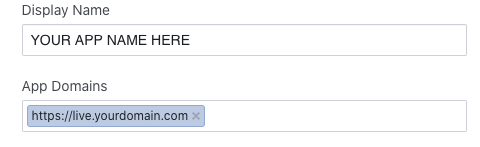
NOTE: When you create a Facebook App, please ensure your live domain is added to the App Domains section under the Facebook App settings.